
The platform
One record carries the job. Everything else is noise.
A homeowner calls once. From that moment, the intake, the walk, the bid, the contract, the crew, the change order and the last invoice all hang off the same record, so nothing gets re-typed and nothing gets dropped between two people who each thought the other had it.
Watch one homeowner's kitchen remodel go from a ringing phone to a closed-out job with no re-typing, no sticky notes and no "who called them back?"
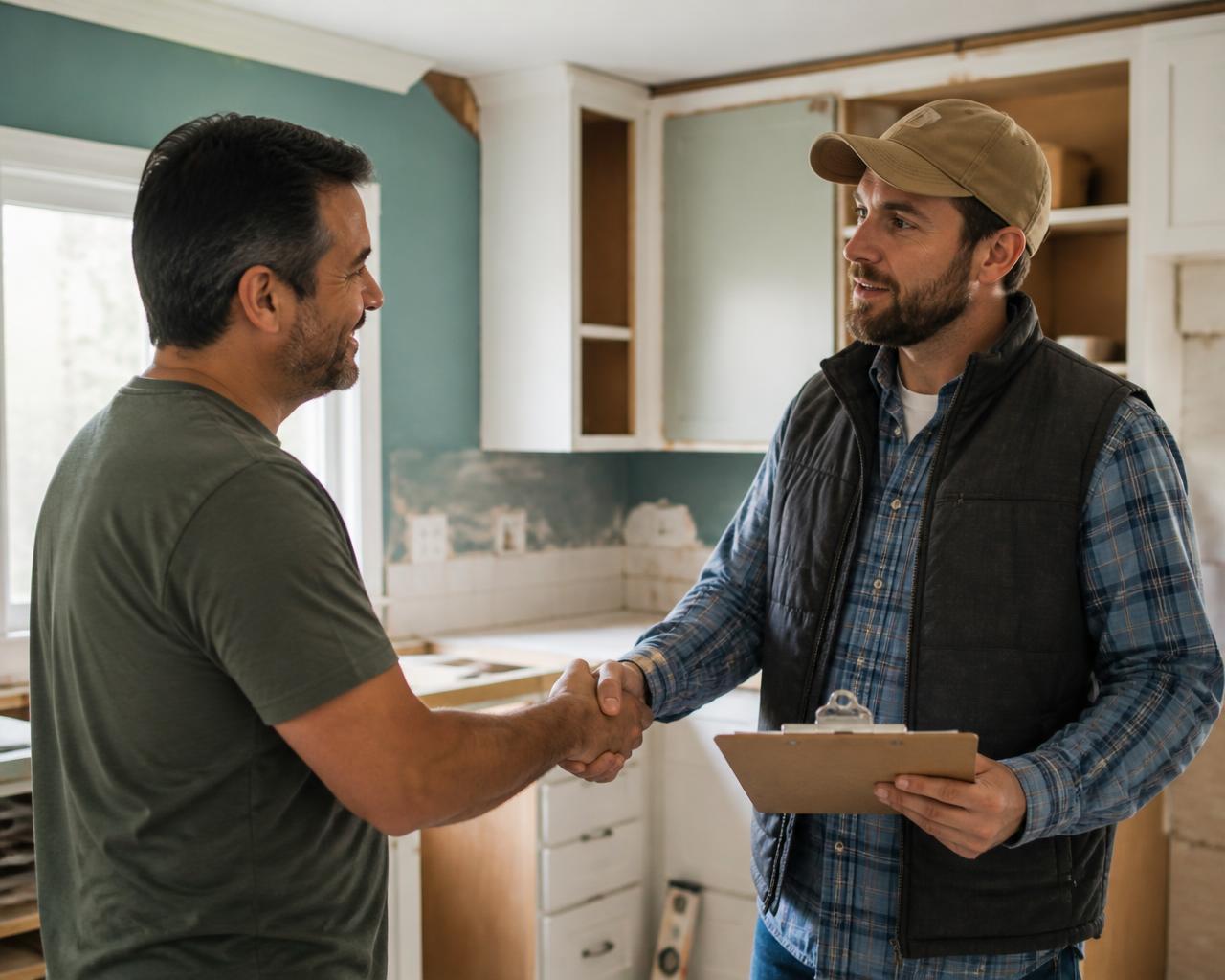


One kitchen remodel, start to finish.
Not a feature list. This is the same job moving through the system, in the order it actually happens.
- 8:04 a.m.
The phone rings
Thirteen fields, the script on screen, the address checked against every lead you already have.
- 8:41 a.m.
She gets a reply
Acknowledged, named estimator, a window she can plan around. Drafted for you, sent by you.
- Thursday
The walk happens
Photos, trade notes and measurements attach themselves to the same record the receptionist opened.
- Friday
The contract goes out
Your language, your terms, signed on a phone, filed on the job before anyone asks for it.
- Week three
You catch the overage
Framing labor is running eleven percent hot, while there's still framing left to fix.
- Close-out
She refers you
Final invoice, warranty on file, and the referral ask lands while the kitchen still smells new.
What's actually in it.
Field Ready turns on the front desk, estimating, scheduling, documents and the client portal. Operations adds the financial and automation modules below. Nothing is priced as a surprise add-on in month three.
Front desk and inbound calls
The three minutes that decide whether you get the job.
- The script lives inside the intake form, so a two-day hire sounds like a ten-year veteran, and your veterans can switch it off
- Dial from the screen. Every call, text and note lands on the lead instead of in somebody's pocket
- AI writes the call summary. A human reads it and signs off before anything moves
- Two people can't work the same homeowner, because duplicates get caught at the address on the spot
Estimating and pipeline
No more "I think Danny is handling that one."
- One board, first call to signed. Every stage carries its own follow-up tasks, and anything overdue shows up on one list
- Job walk notes, trade checklists and site photos ride on the same card as the number
- Bid sheets become a scope a homeowner can actually read out loud
- Send one link to five vendors and compare what comes back side by side
- AI flags bid outliers, scope gaps, and risk notes; you decide who gets the job
Scheduling and field mode
Written for a guy standing in a driveway with one free hand.
- Drag a card onto a day. Walks and installs live on the same calendar as the crew
- Field view shows today, the route, and a button that dials. That's the whole screen
- Location is recorded when somebody taps check in. Never in the background, never after hours
- Photos sit in the queue through the dead zone and upload the second a bar comes back
Contracts and documents
Your contract. Not our template.
- Upload what your attorney already blessed. Every word survives, character for character
- Signature requests go out with live status, and the executed PDF lands on the job
- Change orders priced, sent, approved and filed where the next person will look
- Permits, warranties and insurance certs nag you before they lapse, not after
Financials
Find the leak while the job can still be saved.
- Budget against actual by category, updating while the crew is still on site
- Purchase orders, material pricing and vendor records in one place, not three
- A crew member's hours become labor cost without anybody re-typing a timesheet
- Invoices, payments and what's still outstanding, per job, at a glance
Automation and instant response
Answer in ninety seconds without hiring a night shift.
- Stage changes fire the acknowledgment, the estimator pre-brief, the three-day and seven-day follow-ups and the ninety-day re-engagement
- AI writes the reply. It only leaves the building if you told it it could
- Every intake call gets scored, so coaching stops being a hunch
- Switch any automation off and the work underneath keeps running by hand
Client and subcontractor portals
The call you stop getting is the one asking for an update.
- Homeowners get one link for the estimate, schedule, photos, invoices and messages
- Subs get their own door with assignments, status and file uploads, nothing else
- The referral ask shows up while they still love you, right inside the portal
- Nobody outside your company ever creates a password
Reporting and insights
Numbers you'd actually bring to a Monday meeting.
- Why you lost, broken out by reason, then source, then estimator
- Profit per job with the variance that explains it
- A forecast weighted by stage, not by optimism
- Every report exports to CSV, along with the pipeline, invoice, job cost and activity lists
Roles and access control
Everybody sees their job. Nobody sees your margins.
- Separate workspaces for owners, office, estimators and crews
- Each role gets exactly the tabs and records the work requires
- Admins invite. There is no open door into your workspace
- A full activity trail, exportable, for the day somebody asks
Training and documentation
Stop burning your best employee on onboarding.
- Narrated lessons, sixty to ninety seconds each, grouped into a track per role
- A manual scoped so nobody reads four chapters that don't apply to them
- A new receptionist is taking real calls the same week
- When the platform changes, the training changes with it
Communications
One thread per homeowner, visible to whoever picks it up.
- Calls and texts built two ways, one for the desk and one for the tailgate
- A company directory with the numbers people actually hunt for
- Notifications plus command-K search across leads, clients and jobs
- When a crew member quits, the conversation history stays with you
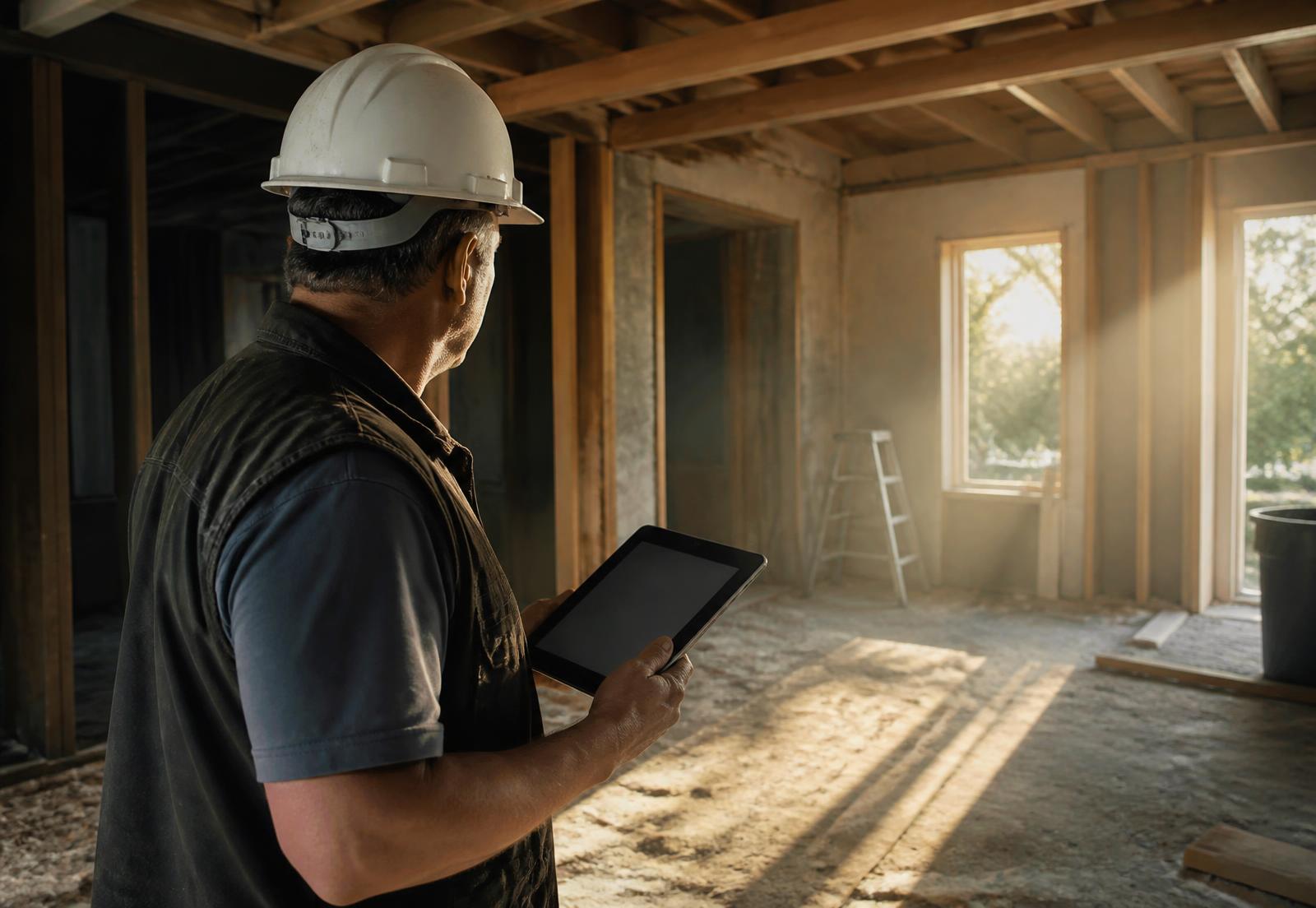
Designed on a tailgate, not in a conference room.
We kept cutting the field screens until an estimator could run one in a driveway, one-handed, in the sun, with a tape measure in the other hand. Photos wait out the dead zone and upload themselves. Check-in is one tap, and location is only ever recorded on that tap, never in the background and never after hours. Your crew shouldn't have to trust you about that. They can see it.
Bring us your worst intake call.
The rambling one, with the bad address and the budget nobody wants to say out loud. We'll run it through live using your trades, your contract and your pricing, then you can decide in twenty minutes whether this is worth another meeting.
Book a walkthroughTwenty minutes, a real workspace, no slide deck.